
Running a retail shop involves more than selling products. Retailers need to prepare bills quickly, track stock, manage purchases, monitor payments and understand daily business performance. When these activities are handled manually or through separate systems, mistakes and delays can affect daily operations.
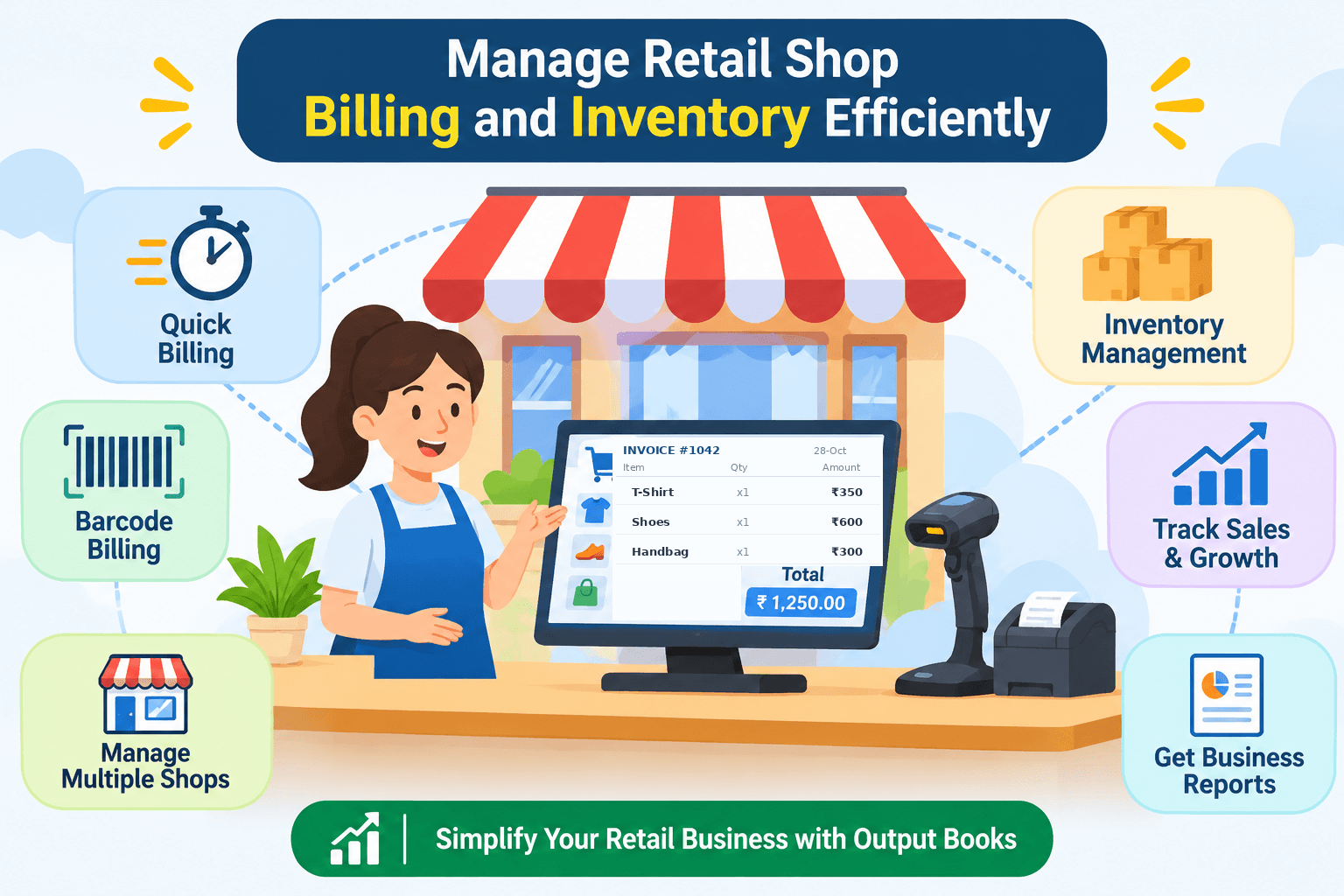
Retail billing software helps bring these tasks together in one place. With the right solution, retailers can simplify billing, maintain accurate stock records and make better business decisions.
In this guide, we explain how to manage retail shop billing and inventory more efficiently using a modern retail billing system.
1. Make Daily Billing Faster and Easier
Long queues, manual calculations and repeated data entry can slow down checkout operations, especially during busy hours.
Retail billing software allows shop owners and billing staff to create invoices quickly, select products, calculate totals and maintain sales records in a systematic way.
A Point of Sale (POS) system can also make checkout smoother by helping staff process sales and record transactions efficiently.
How Output Books helps: Output Books supports quick invoicing and POS billing to simplify retail sales and reduce repetitive work.
2. Keep Your Inventory Updated
Stock management is one of the most important parts of running a retail business. Selling products without accurate stock records can lead to stock shortages, excess inventory and missed sales opportunities.
An inventory management system helps retailers track available quantities, record purchases and sales, and identify which products need replenishment.
Retailers should regularly review their stock levels and maintain suitable quantities of fast-moving products.
How Output Books helps: Output Books provides inventory tracking and stock reports to help businesses monitor items across their locations.

3. Use Barcode Billing to Save Time
Finding products manually and entering item details for every transaction can take extra time. Barcode billing makes product identification easier and can speed up checkout.
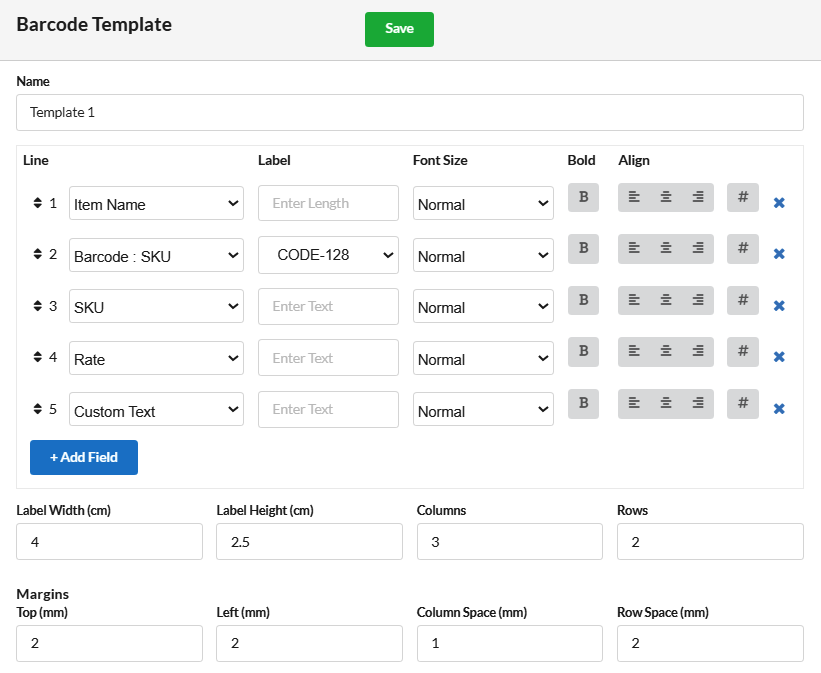
By generating barcode labels for items and scanning them during billing, retailers can reduce repetitive data entry and improve billing accuracy.
Barcode scanning is especially useful for supermarkets, garment shops, electronics stores and other businesses that handle many products.
How Output Books helps: Output Books supports barcode generation, label printing and barcode-based billing workflows.
4. Manage Multiple Shops and Branches
Businesses with multiple outlets need a clear view of stock, sales and transactions at each location. Managing each branch separately can make it difficult to compare performance and transfer stock when needed.
A centralized billing and inventory system helps business owners review branch activity, monitor stock and coordinate inventory transfers more effectively.
How Output Books helps: Output Books supports centralized management of multiple locations, including stock transfers and branch-level business information.
5. Track Sales and Understand Business Performance
Recording sales is only one part of managing a retail shop. Business owners also need to understand sales trends, expenses, outstanding payments and financial performance.
Regularly reviewing business reports helps retailers identify popular products, monitor transactions and make more informed purchasing decisions.
How Output Books helps: Output Books offers business and financial reports that help retailers review sales, inventory and accounting information.
6. Simplify Retail Billing and Accounting in One Place
Using separate tools for billing, inventory and accounting can make it harder to maintain consistent records. An integrated business system helps connect daily sales activity with inventory and financial management.
Depending on your business requirements, look for features such as:
- Quick retail invoicing and POS billing
- Inventory and stock movement tracking
- Barcode generation and scanning
- Purchase and sales management
- Multiple branch and warehouse support
- Business and financial reports
- Accounting and payment tracking
Choosing suitable software can help reduce routine administrative work and give you more time to focus on customers and business growth.
Why Choose Output Books for Your Retail Business?
Output Books is billing and accounting software designed to help businesses manage invoicing, inventory, POS billing and financial activities.
With features for retail billing, barcode management, stock tracking, multiple locations and business reporting, Output Books helps bring important business operations together in one system.
Whether you operate a single retail shop or manage multiple locations, you can explore the available features and find a setup that suits your business needs.
Efficient retail management starts with accurate billing, organized inventory and clear business records. By reducing repetitive manual work and keeping essential information in one place, retailers can improve everyday operations and make better decisions.
Looking for a practical way to manage your retail shop billing and inventory?
Explore Output Books Retail Billing Software and discover the features available for your business.
Explore Retail Billing Software – Start Your 30-Day Free Trial